RatBot

An open robotics platform, from hardware to autonomous multi‑robot systems.

An open-source platform for education and research, spanning electronics, embedded systems, ROS 2, autonomous navigation, multi-robot coordination, and mission planning.

RatBot was born at LISV from a simple need: a fleet of identical robots, fully under our control, for research and teaching. Electronics, real-time firmware and ROS 2 are designed here, documented and measured.

Source code on Codeberg →

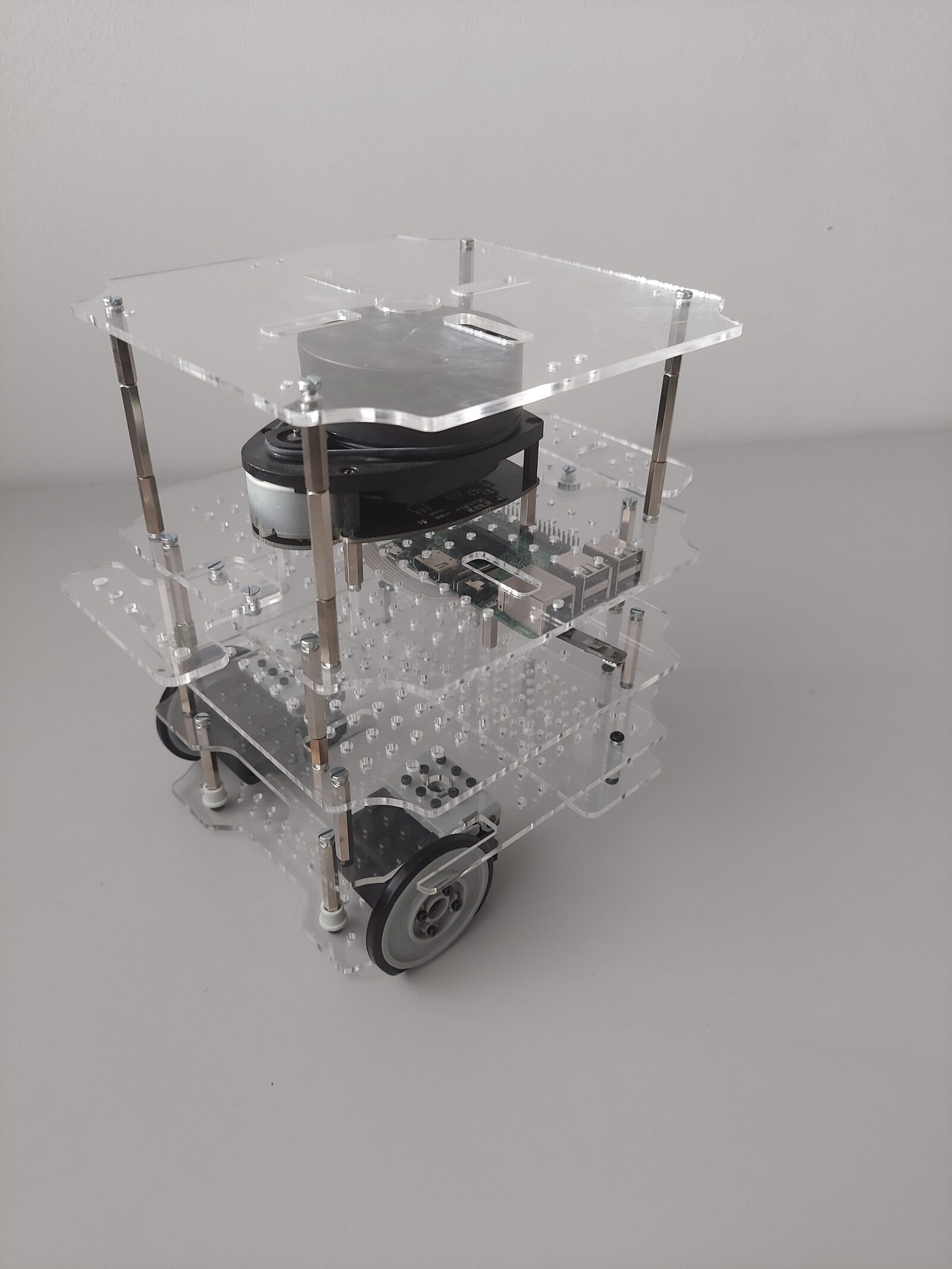
The RatBot mobile robot: stacked black plates carrying the lidar, an OLED screen showing a rat’s face, blue status lighting and two wheels.

Capabilities

RatBot in action

What the robot does on its own, shown rather than described.

  1. 01

    Autonomous exploration

    Dropped into an unknown place, the robot picks where to go next by itself: it heads for the edges of what it has not seen yet and maps them with its lidar, room after room.

    In simulation, on the lab floor: 95% of the plan covered (median of eight runs).

    Exploring the lab floor in simulation, on one run: 97% of the plan in 49 simulated minutes (sped up 60 times).
  2. 02

    Navigation

    On a saved map, the robot is given a destination: it plans its path, follows it and steers around the obstacles it meets (Nav2).

Why

Why another robot?

In the lab, no commercial robot met all four of our needs at once.

  1. A fleet, not a robot

    Multi-robot research needs several identical machines that can be repaired and reproduced, not a single showcase robot.

  2. Nothing closed

    Commercial platforms often stop at the ROS interface, with a black box underneath. Here every layer opens, from the board to the software.

  3. Know where the numbers come from

    An experiment is only worth what its measurements are worth: odometry, clock and safety are designed, checked and documented.

  4. A thread for teaching

    Electronics, real time, ROS 2, navigation: the same robot can run through a whole course, from one end to the other.

The robot

What we built

A small differential robot, built around an electronics board designed in the lab.

Inside

  • A differential base driven by two Dynamixel AX-18A servomotors
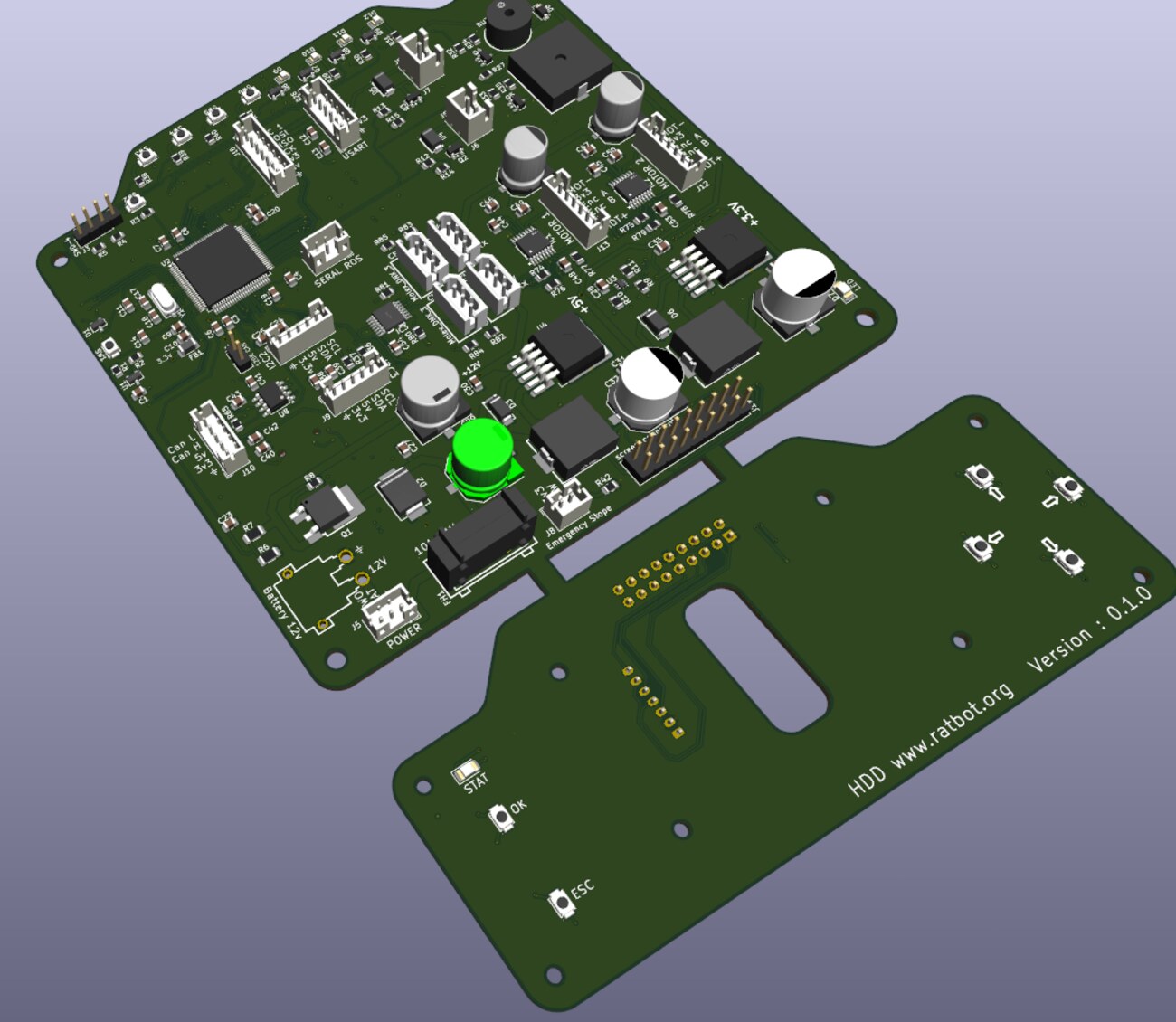
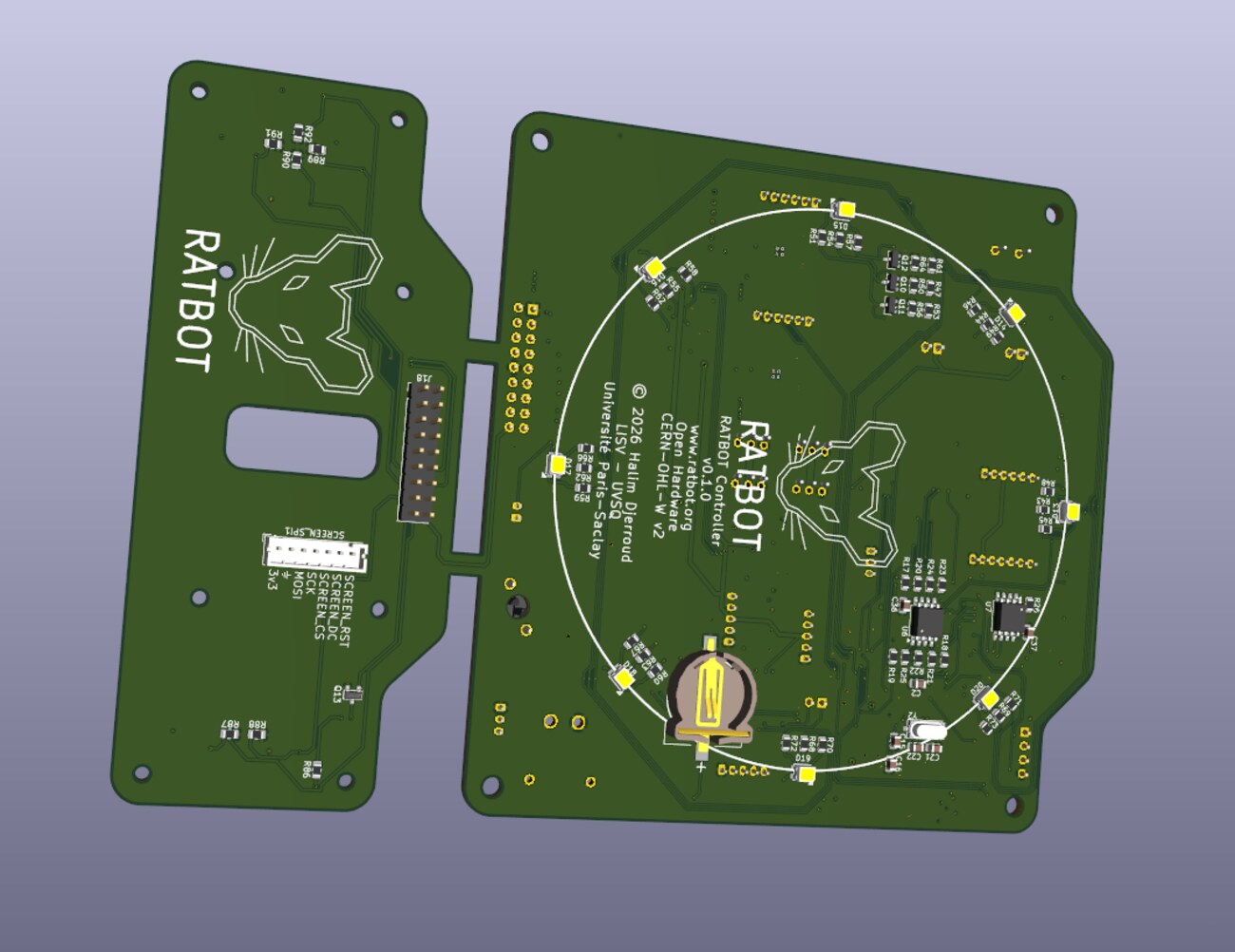
  • A custom STM32H750 board: traction, safety and sensors
  • An RPLidar A1 laser scanner and an inertial measurement unit
  • A front 8 × 8 time-of-flight distance sensor, for low obstacles
  • Real-time firmware with FreeRTOS and micro-ROS
  • A Raspberry Pi 4 running ROS 2 Humble
  • An OLED screen, an RGB LED, a buzzer and buttons

What it does today

  • Lidar mapping (SLAM), one map per robot
  • Autonomous navigation (Nav2) with obstacle avoidance
  • Autonomous exploration of an unknown area
  • Odometry computed on the board, fused with the gyroscope (EKF)
  • Inertial safety: stops when tipped over, blocked, slipping or hit
  • Emergency stop on the robot, fleet stop from the gamepad
  • One gamepad for up to four robots, or the keyboard
  • Fleet commands: battery, clock, diagnostics, which robots answer
  • Calibration tools: odometry (UMBmark), gyroscope, lidar mounting
  • Gazebo simulation of up to four robots, with the same commands
  • Up to 19 robots on one network, each in its own namespace

Build your own

Anyone can build it

RatBot is not a product to buy: it is a robot to build, and everything needed to make it work properly is provided.

  • Open files

    Electronics (KiCad), chassis parts ready to laser-cut, firmware and ROS 2 software, all published: nothing is held back.

  • A step-by-step bring-up

    From a blank board to a robot on the network, one checklist, each step explained and checked.

  • Calibration tools included

    The parameters platforms rarely give — the real radius of each wheel, the effective wheelbase, the gyroscope scale — are measured on your own robot by the tools provided.

Read the build guide

Architecture

Three machines, one role each

Each level does what it does best: real time on the board, ROS 2 on the robot, heavy computation on the PC.

  1. The PC

    Mapping, navigation, RViz, simulation, and driving with the gamepad.

  2. The Raspberry Pi, on the robot

    ROS 2: lidar, sensor fusion, command chain, status signals. It starts by itself when the robot is switched on.

  3. The robot board (STM32H750)

    FreeRTOS and micro-ROS: servo traction, odometry, safety, clock and logbook, linked to the Raspberry Pi by a 3 Mbaud serial link.

Measurements

Measured, not assumed

Every setting of the robot comes from a measurement, recorded in a lab notebook. Some results on the first robot:

  • −34 %Systematic odometry error after UMBmark calibration: from 86.7 to 57.6 mm on a 1.3 m square.
  • 2.3 cmArrival error after a square with odometry fused with the calibrated gyroscope (4.2 cm with the wheels alone).
  • 0.8°Difference between the turn seen by the lidar and the turn counted by the robot, over 90°.
  • 1.007Gyroscope scale, measured then corrected: it counted 1.007 turns for one real turn.
A UMBmark square: the robot closes a square on its own odometry, and the gap is measured on the floor. Sped up three times.

Next

What comes next

Three more robots are joining the first one to form a fleet of four. Next step: several robots in the same place, each with its own map by default, and a common map when asked for.

Build, understand and extend RatBot

Start with the user guide, dive into the electronics, firmware and ROS 2 internals, or learn step by step with the labs: for those, the board alone is enough, no robot needed.